








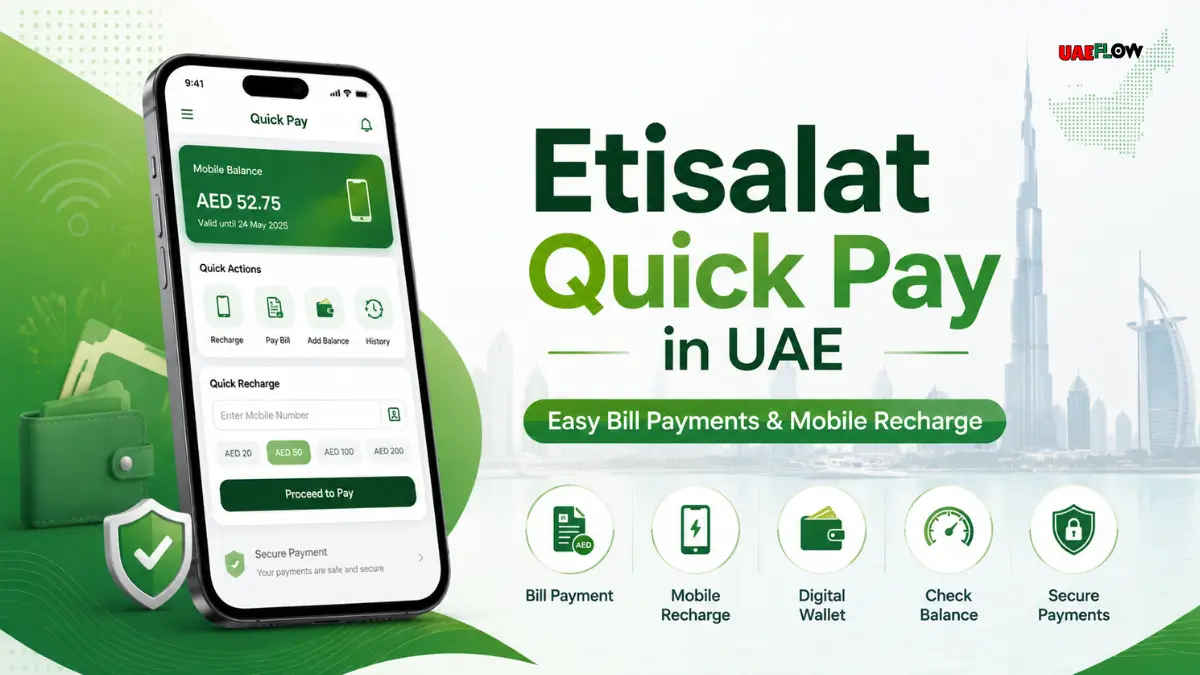
Etisalat is one of the largest telecom service operators in UAE, offering mobile, internet, eLife services, as well as prepaid, postpaid, and business communication services. For many UAE residents and citizens, managing telecom bills quickly is important as mobile data, voice calls, home/business internet and telecom are used daily.
Table Of Content
- What is Etisalat Quick Pay?
- Uses of Etisalat Quick Pay
- Why Use Etisalat Quick Pay in the UAE?
- No Full Login Necessary
- Easy Access
- Good for Prepaid and Postpaid Users
- Good for Business Users
- Payment Confirmation
- How to Use Etisalat Quick Pay?
- Step 1: Navigate to the e& UAE Quick Pay Official Site
- Step 2: Provide Etisalat Number or Account Info
- Step 3: See Bill or Payment Amount
- Step 4: Select Payment Option
- Step 5: Make Payment
- Step 6: Record Payment Confirmation
- Etisalat Quick Pay Personal
- Personal Prepaid Users
- Personal Postpaid Users
- Home Internet Users
- Etisalat Quick Pay Business
- Etisalat Business Login vs Quick Pay Business
- B2B Etisalat Quick Pay
- Etisalat Quick Recharge
- How To Recharge Etisalat
- Etisalat Quick Pay Prepaid
- Etisalat Quick Pay Postpaid
- Etisalat Quick Pay Apple Pay
- How to Check Etisalat Balance?
- Check Etisalat Balance Using Code
- Check Etisalat Balance Using the App
- Check Etisalat Data Balance
- Check Data Balance Using USSD Code
- Check Data Balance Using the e& UAE App
- Check Etisalat Number
- Check Etisalat Number Using Phone Settings
- Check Etisalat Number by Calling or Messaging
- Check Etisalat Number Using App
- How to Transfer Etisalat Balance?
- Common Balance Transfer Method
- Important Tips Before Balance Transfer
- Etisalat Customer Care
- Is Etisalat Customer Care Number 24 Hours UAE?
- Is the Etisalat Customer Care Number Available 24 Hours?
- Common Support Options for Etisalat Customer Care
- Etisalat Business Login
- What Can Customers Do After Login?
- When Should Business Login be Used Over Quick Pay?
- Etisalat Quick Pay Business Number
- Required Details for Business Payments
- Quick Pay My Business
- Etisalat Quick Pay vs e& UAE App
- Quick Pay is Best For
- e& UAE App is Best For
- Comparing Etisalat Quick Pay and e& UAE App
- Benefits of Quick Pay
- Benefits of e& UAE App
- Best Practices for Etisalat Payment and Recharge
- Final Thoughts
- FAQ’s
- How do I check my Etisalat balance?
- Where can I check Etisalat number?
- What is the Etisalat data balance?
- What are the ways to recharge Etisalat?
- Is Etisalat customer care number 24 hours in UAE?
- What is the format to transfer Etisalat balance?
- How can I transfer balance from Etisalat to Etisalat?
- Can I pay postpaid bills on Etisalat Quick Pay?
- Can I do a prepaid recharge using Etisalat Quick Pay?
- Is Etisalat Quick Pay safe to use?
Etisalat Quick Pay comes to the rescue. It offers the customers the flexibility of paying their bills and/or recharging Etisalat services without a need to visit a physical store. Whether you have a prepaid SIM, a postpaid mobile plan, home/business internet or telecom, Etisalat Quick Pay in UAE, provides you the flexibility of doing payments conveniently and quickly, whenever you want.
Many users search for whether etisalat quick pay, etisalat quick recharge, etisalat quick pay prepaid, etisalat quick pay postpaid, etisalat quick pay business, etisalat quick pay and recharge, etc. as they want a direct and simple way to manage their account. This guide will answer all your questions in the simplest way possible.
What is Etisalat Quick Pay?
Etisalat Quick Pay is an online payment and recharge service provided by e& UAE that offers a simple solution for users who want to pay an Etisalat bill or recharge their prepaid line without the hassle of logging into the full account dashboard.
Instead of going to a store, you can pay online by entering your mobile number, account number, or service details and confirming the amount.
Uses of Etisalat Quick Pay
You can use Etisalat Quick Pay for:
Recharging prepaid numbers
Paying postpaid bills
Paying eLife/home internet bills
Personal number payments
Payments for business accounts
Some business to business payment
Settlement of bills in a short time
Why Use Etisalat Quick Pay in the UAE?
Etisalat Quick Pay is time saving and easy.
No Full Login Necessary
Users can make quick payments without having to sign into their full account. This is helpful for users who need to pay a bill or make a payment quickly.
Easy Access
Etisalat Quick Pay is easy to access through the e& UAE website. This means you do not need to travel to a customer service center.
Good for Prepaid and Postpaid Users
Quick Pay works for both prepaid and post paid users. Prepaid users can use this to recharge, and postpaid users can pay their bills.
Good for Business Users
Etisalat Quick Pay can also be used by business users to pay for business accounts, business internet, and other services.
Payment Confirmation
Users will receive a confirmation message to confirm that the payment or recharge has been completed.
How to Use Etisalat Quick Pay?
It is easy to make payments with Etisalat Quick Pay when you’re equipped with the right number or account.
Step 1: Navigate to the e& UAE Quick Pay Official Site
The official site of Etisalat/e& UAE contains the official e& UAE payment portal. Use the official website to prevent landing on fraudulent payment pages.
Step 2: Provide Etisalat Number or Account Info
Provide your prepaid number, postpaid number, account number, or service number based on the payment you wish to make.
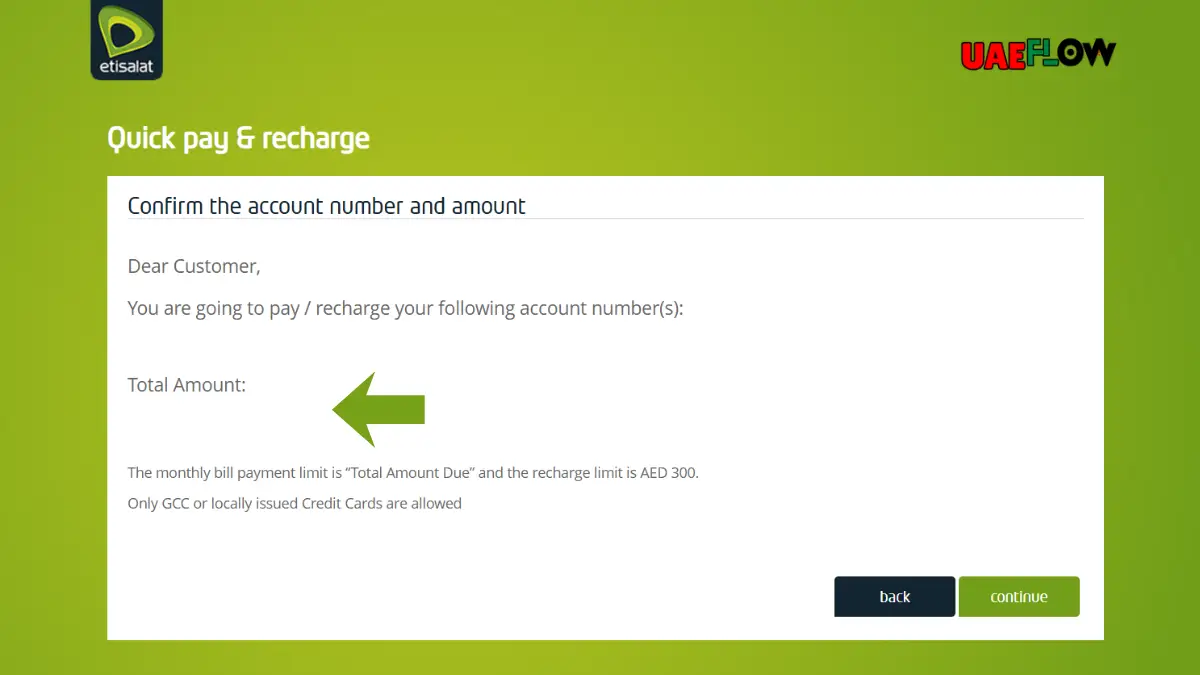
Step 3: See Bill or Payment Amount
If you selected bill payment, the portal will display your amount due. For prepaid payment, select or input the amount.
Step 4: Select Payment Option
The options to make the payment may include debit or credit card and/or other supported digital payment options. Not all options will be available to you based on your bank and which payment options are authorized in the UAE.
Step 5: Make Payment
Double check the number and amount as you confirm, as you may inadvertently confirm payment for another account.
Step 6: Record Payment Confirmation
It is a good idea to either capture a screenshot or record the transaction ID after payment is made in case you need to contact customer service.
Etisalat Quick Pay Personal
Personal Prepaid Users
Quick Pay is a helpful service to users needing an immediate top up to continue making calls, sending text messages, or using data.
Personal Postpaid Users
If you’re a postpaid user, you can pay your mobile bill using Quick Pay. You won’t have to stress over the interruption of services or late payment.
Home Internet Users
If you are an eLife or home internet customer, you can pay your bills online. This is convenient for families and home users who want to pay from home.
Etisalat Quick Pay Business
Etisalat Quick Pay business is great for companies that use Etisalat for office internet, business mobile numbers, landlines, and other telecom services.
Business users usually have more than one number or account, and Quick Pay is great to pay the bills without a long process.
Etisalat Business Login vs Quick Pay Business
Etisalat business login and Etisalat Quick Pay business do not serve the same purpose.
Etisalat business login usually provides access to a business dashboard that is complete and where companies can manage the services and bills and users of the account and settings.
Quick Pay business is strictly fast payment. It is ideal when you want to pay a bill quickly or recharge a business number.
B2B Etisalat Quick Pay
B2B Etisalat Quick Pay may work for business customers that need to pay telecom bills for a business. Companies should always use the official e& UAE business channels for accurate billing and managing accounts.
Etisalat Quick Recharge
Etisalat Quick Recharge is what you use when you want to recharge and add balance to your prepaid account quickly. It is also searched as etisalat quick pay recharge, recharge etisalat quick pay, and etisalat quick pay and recharge.
How To Recharge Etisalat
There are a few different ways to recharge Etisalat.
You can pay and recharge online with Etisalat Quick Pay.
Recharge using e& UAE App.
Use a recharge card or voucher.
Use a banking app.
Go to an authorized store or kiosk.
The easiest online method is probably Quick Pay since you do not have to log in fully.
Etisalat Quick Pay Prepaid
If you have prepaid, Etisalat Quick Pay Prepaid lets you recharge by entering your mobile number and how much you want to pay. Be sure to verify your number before you pay.
Etisalat Quick Pay Postpaid
If you have postpaid, Etisalat Quick Pay Postpaid pays your monthly bill. This is for customers who want to pay and get out without having to log in fully.
Etisalat Quick Pay Apple Pay
Some people look for Etisalat Quick Pay Apple Pay because they want to pay using Apple Pay and not have to enter their card details.
Apple Pay can be available depending on the payment page, device, browser, card, bank, and if they support payment in the UAE. If Apple Pay shows as a payment method, you can pay and verify with Face ID, Touch ID, or your passcode.
Benefits of Apple Pay
Apple Pay is good because it is:
Quick
No entering card details
Secure
Works with all Apple devices
How to Check Etisalat Balance?
Many prepaid customers want to know how to check their Etisalat balance or how to check balance in Etisalat.
The easiest way to check Etisalat prepaid balance is to call the balance check code on your phone. Your balance and usage info can also be found on the e& UAE app.
Check Etisalat Balance Using Code
To check your balance using code, dial:
*121#
You might receive your balance info via message or in menu format.
Check Etisalat Balance Using the App
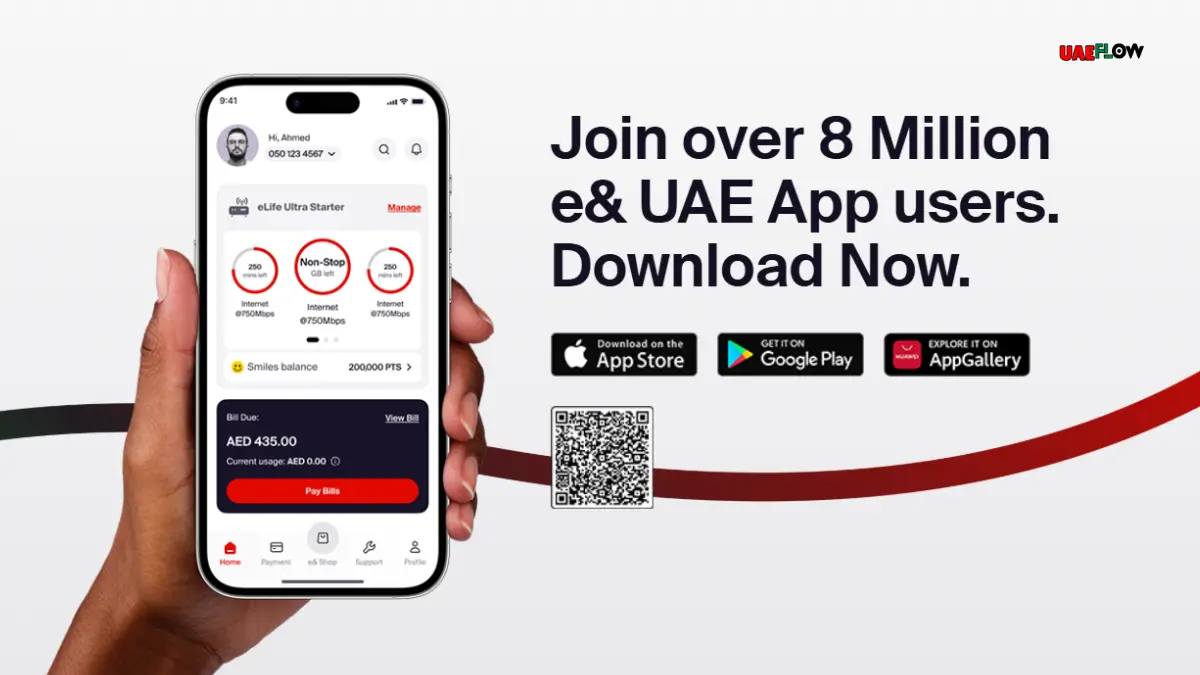
You can check your balance on the e& UAE app. After logging in with your number, you will find your prepaid balance, data balance, and plan and usage info.
Check Etisalat Data Balance
Many people also search for how to check data balance on Etisalat or how to check remaining data on Etisalat.
Check Data Balance Using USSD Code
You can check your data balance by calling the following code:
*121#
Follow the menu prompts to check your data balance or usage.
Check Data Balance Using the e& UAE App
The e& UAE app is the best and easiest option. The app shows the following:
data and plan balances
active packages
add-ons
usage history
This is helpful for prepaid and postpaid users.
Check Etisalat Number
Check Etisalat Number Using Phone Settings
Open settings and select Mobile Network or SIM Manager.
Select your Etisalat SIM.
You may find your number is displayed.
Check Etisalat Number by Calling or Messaging
You can message or call a phone nearby. You can then check your number there.
Check Etisalat Number Using App
If your SIM is registered in the e& UAE app, number should show in the account section.
How to Transfer Etisalat Balance?
Common Balance Transfer Method
A commonly used Etisalat local credit transfer format is:
100Receiver Number*Transfer Amount#
After dialing, follow the confirmation process.
Important Tips Before Balance Transfer
Recipient Number is correct.
You are transferring amount shown.
You understand transfer charges.
You have sufficient balance.
Etisalat Customer Care
Is Etisalat Customer Care Number 24 Hours UAE?
Many users ask, is Etisalat customer care number 24 hours UAE? e& UAE offers several support options. These include supported phone calls, app support, help available online and live chat among others.
Is the Etisalat Customer Care Number Available 24 Hours?
Some digital and app support options may be available 24/7, but the availability of a support agent may vary based on the type of service and issue.
Common Support Options for Etisalat Customer Care
e& UAE mobile app
Website support
Phone customer care
Live chat (if available)
Business support portal
Physical stores
Etisalat Business Login
What Can Customers Do After Login?
Business customers can:
View bills
Manage accounts
View invoices
Monitor usage
Add or remove lines
Manage business mobile lines
Make a service change
Submit a support request
When Should Business Login be Used Over Quick Pay?
Use Business Login for account management. Use Quick Pay for bill payment and service recharge.
Etisalat Quick Pay Business Number
Required Details for Business Payments
Business account number
Business mobile number
Business line service number
Registered company details
In some cases, the invoice number
Quick Pay My Business
Quick Pay My Business is sought after when wanting to pay business bills quickly. For business users, the best way to do this is via the official e& business payment page or the UAE business account portal.
Etisalat Quick Pay vs e& UAE App
Both Quick Pay and the e& UAE app are useful, but they serve slightly different needs.
Quick Pay is Best For
Fast bill payment
Quick recharge
Paying without full login
One-time payment
Helping family members recharge
e& UAE App is Best For
Checking balance
Viewing data usage
Managing packages
Checking bills
Customer support
Renewing services
Managing multiple accounts
For regular users, the app is better for account management, while Quick Pay is better for fast payment.
Comparing Etisalat Quick Pay and e& UAE App
Benefits of Quick Pay
Payment of bills without full login
Quick payment
Recharge for others
Benefits of e& UAE App
Data usage inquiries
Balance inquiries
Payment of bills
Customer service
Package renewals
Account Management
Best Practices for Etisalat Payment and Recharge
Be sure to verify the account or mobile number.
Keep your card ready.
Only use official e& channels.
Always retain the confirmation for your payment.
Do not allow your balance to reach 0.
Check your balance regularly.
Use the app for tracking your usage.
If payment is not processed, reach out to customer service.
Final Thoughts
Etisalat Quick Pay is a useful option for individuals and businesses who need a payment option that does not require a visit to a retail location.
You can also use the e& UAE app or USSD codes for balance checks, data balance, customer care, number checking, balance transfer, etc. For payment safety, stick to official Etisalat/e& platforms.
FAQ’s
How do I check my Etisalat balance?
Use the e& UAE app or dial *121# to check your prepaid balance.
Where can I check Etisalat number?
You can check your number through SIM settings, the e& UAE app, or by calling a different phone.
What is the Etisalat data balance?
Use the e& UAE app or dial *121# and select data.
What are the ways to recharge Etisalat?
Recharge through Etisalat Quick Pay, e& UAE app, recharge cards, banking apps, kiosks, shops or authorized stores.
Is Etisalat customer care number 24 hours in UAE?
Some e& support channels operate 24/7, especially digital support, but for agents, it will depend on the issue and channel.
What is the format to transfer Etisalat balance?
100Recipient Number*Amount# where you will then be prompted to continue with balance transfer confirmation.
How can I transfer balance from Etisalat to Etisalat?
Use the local balance transfer, enter recipient number, enter amount, then confirm.
Can I pay postpaid bills on Etisalat Quick Pay?
Yes. You can use Etisalat Quick Pay to pay postpaid bills and other eligible Etisalat/e& bills.
Can I do a prepaid recharge using Etisalat Quick Pay?
Yes, if you are a prepaid user, you can use Quick Pay to do Etisalat recharges online.
Is Etisalat Quick Pay safe to use?
Yes. When you use Quick Pay via official e& UAE pages or their App, it is safe to use. Stay away from any payment links that you are not familiar with.




No Comment! Be the first one.