








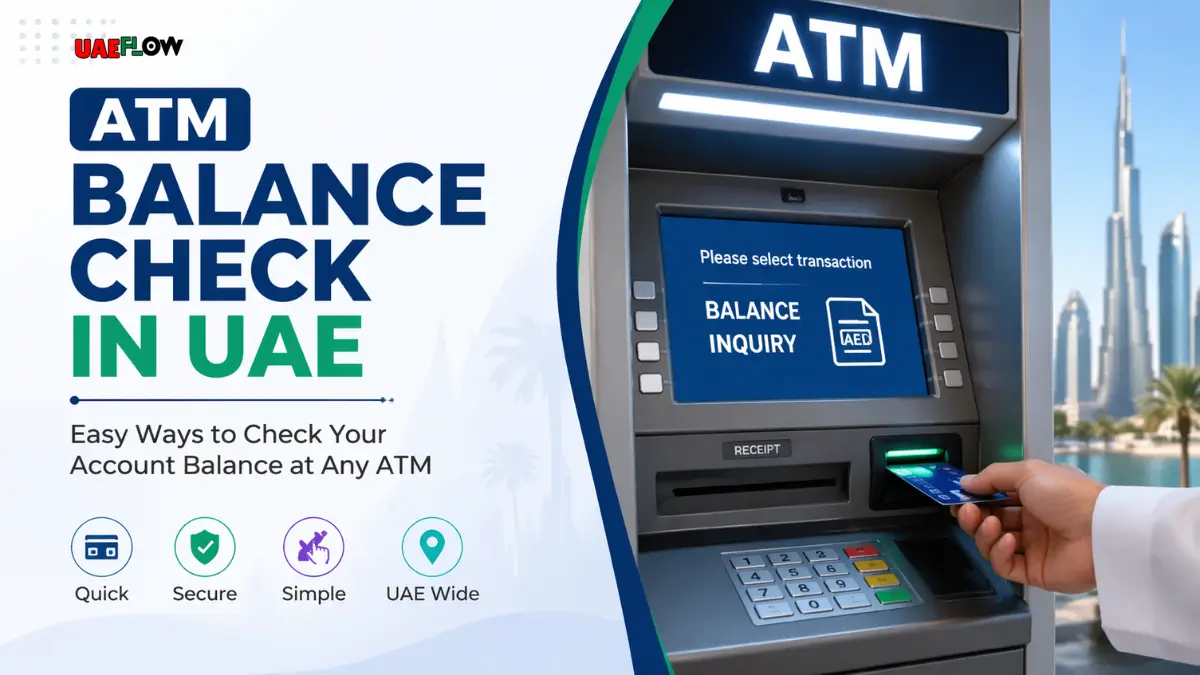
In today’s fast-paced world, it’s important to keep track of your finances at all times, and checking your ATM balance is a simple yet crucial part of managing your finances. You may want to check your ATM balance to see whether you are about to go on a budget, about to make an important purchase, or just need to have the account balance reconciled with what you have on tape.
Table Of Content
- ATM Balance Check Methods in the UAE
- Via ATM Machine
- Via the Mobile App of Bank
- Via SMS Banking Services
- Through Online Banking Portal
- ATM Locations by Branch Name
- ATM Balance Check Charges in UAE
- Fees for Non-Customers
- International ATM Fees
- ATM Inquiry Charge at Non-Bank ATM
- Bank Charges for Services
- Common Issues & Troubleshooting During ATM Balance Check
- ATM Not Working or Slow Responses
- Incorrect Balance Displayed
- Mobile App/Online Banking Mistakes
- ATM Balance Enquiry Tips
- Check Your ATM PIN
- Avoid Public ATMs
- Online and Mobile Banking Security
- Change Your PIN Regularly
- Benefits of ATM Checking of Balance Regularly
- Saves on Overdraft Fees
- Monitor Expenditure and Budgeting
- Identify Fraud or Unauthorized Transactions
- Bank Helplines
- Other Methods of Monitoring Your Finances in UAE
- Setting Up Alerts
- Using Budgeting Apps
- Reviewing Bank Statements
- FAQ’s
- Can I check my balance in any ATM in the UAE?
- Is it possible to check my ATM balance without a card?
- What should I do if my ATM balance shows an error?
- What can I do to evade the cost of checking my balance in a non-bank ATM?
- How frequently do I need to change my ATM PIN?
- Can I check my balance at ATMs of other banks?
- In the UAE, what are SMS banking charges to check balance?
- What can I do to lock down my ATM balance inquiry process?
- Is it possible to check my balance on the bank website?
- What is the best thing to do in case my banking app has technical problems?
In the UAE, where digital banking is rapidly developing, there are various methods of monitoring your ATM balance. The procedure is easy and gives everyone multiple alternatives to choose from, be it an ATM machine, a mobile application, or any other digital services. This guide will walk you through every way of checking your ATM balance, the fees involved, some troubleshooting tips, and security information so that you can safely check your bank balance.
ATM Balance Check Methods in the UAE
Via ATM Machine
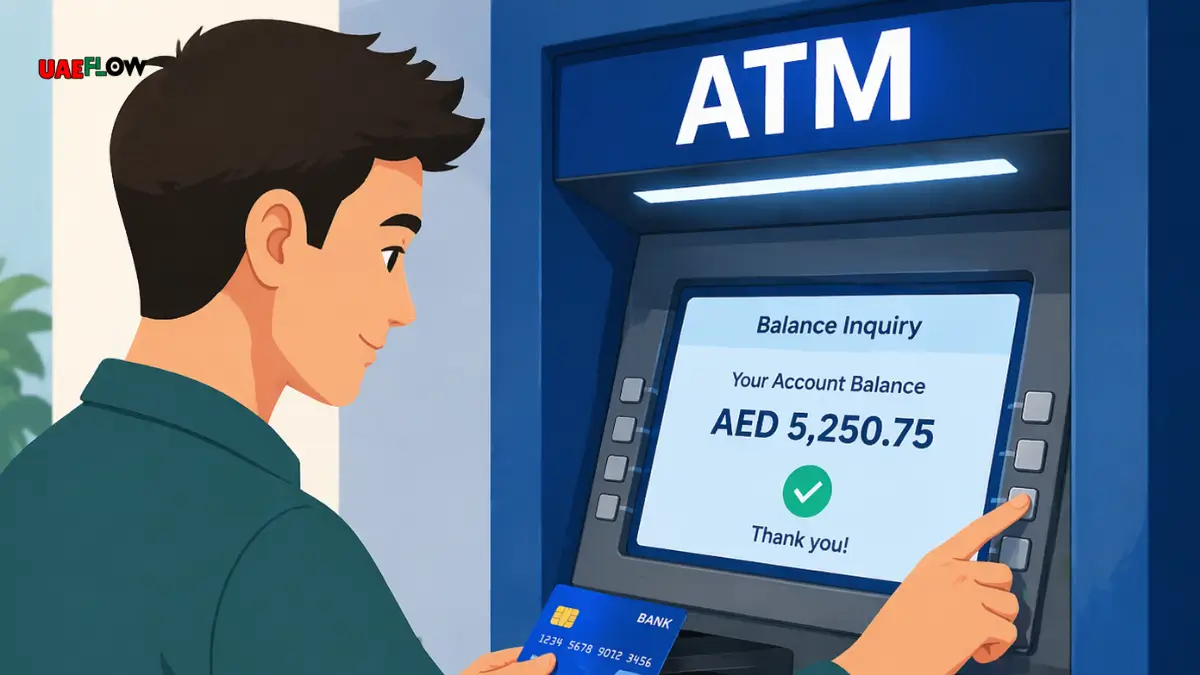
In the UAE, the most popular method of checking your ATM balance is by going to the ATM machine itself. This service is available in all major banks such as Emirates NBD, Abu Dhabi Commercial Bank, and Dubai Islamic Bank, at their ATMs.
Checking Balance Step-by-Step Guide:
Insert Your ATM Card: This is done by first inserting your ATM card into the machine.
Enter Your PIN: Enter Your Personal Identification Number (PIN) to use your account.
Choose the Balance Inquiry Option: After logging in, choose the Balance Inquiry option on the menu that appears on-screen.
Check Your Balance: The ATM will show your account balance. You will have a choice of printing a receipt with your balance.
Close the Transaction: Once you have checked your balance, you have the option of either printing the receipt or just leaving the transaction.
Via the Mobile App of Bank
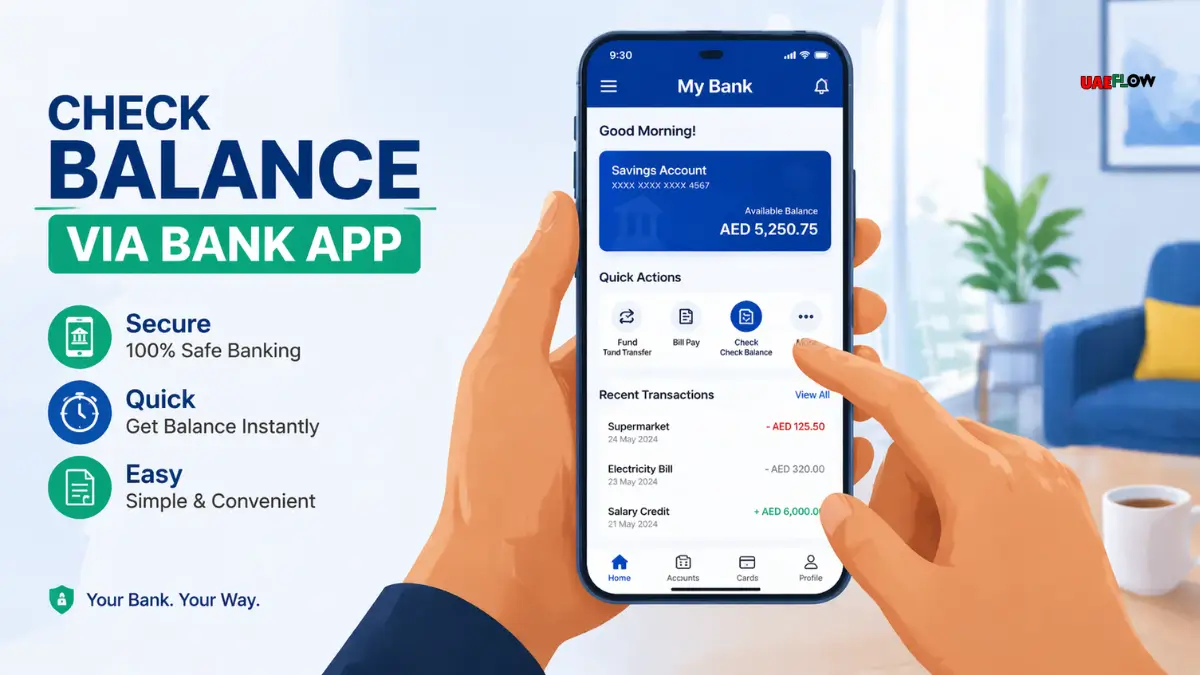
The other easy way is via the mobile app of your bank. UAE banks have highly invested in mobile banking, which offers its users a convenient means of managing their accounts. You can use mobile apps, such as Emirates NBD, First Abu Dhabi Bank, and others to check your balance using your smartphone.
Check Balance Mobile App Steps:
Install Your Banking App: To begin with, make sure that you have downloaded the official mobile banking app of your bank.
Log in to Your Account: Fill in your login information, which may be your username, password, or biometric authentication (fingerprint/Face ID).
Go to the Balance Section: After logging in, go to the Accounts section or some other section where your bank accounts are displayed.
Check Your Balance: Your current balance will be displayed in your account overview.
Via SMS Banking Services
SMS banking is a great choice in case you do not want to use ATMs or apps. A number of banks in UAE provide SMS banking, where you could check your balance by sending a simple text message.
Balance Checking Steps: Checking Balance Through SMS:
Request a Balance Inquiry SMS: This will send you a certain short code (e.g., in the case of Emirates NBD, it will be like 4030). You will have to send a text containing a special word (e.g., BALANCE).
Get an SMS with Your Balance: Once the message has been sent, you will get an SMS with the current balance.
Through Online Banking Portal
Online banking is another commonly used way of checking your balance. In the UAE, you can check your account balance using the site of many banks.
Checking Balance using Online Banking:
Go to Your Bank’s Website: Visit the official website of your bank.
Login to Your Account: Log in with your account details to open your online banking account.
Check Your Balance: After signing in, you will see your account balance in your account summary.
ATM Locations by Branch Name
| Branch Name | ATM Location |
|---|---|
| Emirates NBD | Sheikh Zayed Road, Dubai |
| Abu Dhabi Commercial Bank | Al Nahyan, Abu Dhabi |
| Dubai Islamic Bank | Downtown Dubai |
| First Abu Dhabi Bank | Mohammed Bin Rashid Boulevard, Dubai |
| Riyad Bank | Al Barsha, Dubai |
ATM Balance Check Charges in UAE
Depositing or checking your balance in ATM machines in the UAE is free to customers who use their own bank machine. Nevertheless, the following are situations that might be subject to fees:
Fees for Non-Customers
When you withdraw money using an ATM of another bank than that of your bank, you are likely to be charged a fee. As an illustration, when you use an ATM at Emirates NBD, but you are a customer of Abu Dhabi Commercial Bank, you may pay a fee to check your balance.
International ATM Fees
Your bank might impose a foreign ATM usage fee, should you require checking your balance at an international ATM. This charge may differ with the policies of your bank and the country you are located in.
ATM Inquiry Charge at Non-Bank ATM
There are also some ATMs that are not bank-operated and might charge a small amount of money in order to inquire about the balance. You should always inquire with your bank on any special ATM usage fees.
Bank Charges for Services
| Service | Charge Amount |
|---|---|
| ATM Balance Inquiry (Own Bank) | Free |
| ATM Balance Inquiry (Other Banks) | AED 2.50 |
| ATM Withdrawal (Own Bank) | Free |
| ATM Withdrawal (Other Banks) | AED 3.00 |
| International ATM Withdrawal | AED 15.00 |
| SMS Banking for Balance Inquiry | AED 0.50 per SMS |
| Online Banking Transfer Fee | AED 1.00 |
| Cheque Bounce Fee | AED 100.00 |
Common Issues & Troubleshooting During ATM Balance Check
ATM Not Working or Slow Responses
Sometimes the ATM machine is not functioning well due to technical failures or slowness. In case this occurs, you can do the following:
Use a Different ATM: Go to a different machine in the same bank or locate an ATM in a different bank if you are in a hurry.
Contact Customer Support: Call the customer support number that is shown on the ATM to report any problems or get help.
Incorrect Balance Displayed
The balance that is displayed at the ATM is sometimes not the most up-to-date. To overcome this problem:
Check Online: Check your balance on your mobile banking app or online banking.
Wait for Updates: Occasionally, transactions can take some time to update. If the problem continues, you can call your bank and inform them about the mistake.
Mobile App/Online Banking Mistakes
In case you have any problems with using the mobile application or online banking:
Check Your Internet Connection: A poor connection can cause the app or website to not load correctly.
Clear Cache: In case the app is not loading, clear the cache or reinstall the app.
Contact Customer Support: If the problem continues, contact the support team of your bank to seek help.
ATM Balance Enquiry Tips
While checking your balance is a simple task, it’s essential to take security seriously. The following are some of the guidelines that can be used to secure your personal and financial information:
Check Your ATM PIN
Never have anyone looking over your shoulder when entering your PIN.
Do not share your PIN with anyone, including the employees of the bank.
Avoid Public ATMs
Attempt to use ATMs in safe places, such as bank branches, to reduce the chances of fraud.
Online and Mobile Banking Security
Use powerful, distinctive passwords for your online and mobile banking accounts.
Remember to log out of your banking app.
Change Your PIN Regularly
Change your ATM PIN regularly to ensure more security. This reduces the chances of unauthorized access.
Benefits of ATM Checking of Balance Regularly
Saves on Overdraft Fees
Regularly checking your balance will help you to prevent unintentionally overdrawing your account and paying fees.
Monitor Expenditure and Budgeting
Being aware of your balance will help you to keep track of your financial objectives and budget more appropriately.
Identify Fraud or Unauthorized Transactions
Making regular balance checks will enable you to identify any discrepancies in the very beginning and promptly report any fraudulent activity.
Bank Helplines
| Bank Name | Helpline Number |
|---|---|
| Emirates NBD | +971 600 540000 |
| Abu Dhabi Commercial Bank | +971 600 500 500 |
| Dubai Islamic Bank | +971 4 609 2222 |
| First Abu Dhabi Bank | +971 600 52 5500 |
| Riyad Bank | +971 4 387 5000 |
Other Methods of Monitoring Your Finances in UAE
Besides checking your ATM balance, you can use a number of tools to assist you in keeping track of your finances:
Setting Up Alerts
Most banks in the UAE allow you to create notifications for balance changes, massive payments, or low balances.
Using Budgeting Apps
Personal finance apps, such as YAP, Mint, or those provided by your bank, make it easier to manage your money.
Reviewing Bank Statements
Checking your bank statements regularly will help you get a better idea of how you spend your money and make appropriate changes.
FAQ’s
Can I check my balance in any ATM in the UAE?
ATM machines at bank branches are the best to transact business as they are safe and secure.
Is it possible to check my ATM balance without a card?
Yes, a few banks can check their balance without a card via their mobile apps.
What should I do if my ATM balance shows an error?
Call the customer support of your bank and inform them about the problem and clarify the discrepancies.
What can I do to evade the cost of checking my balance in a non-bank ATM?
Whenever possible, use the ATMs of your bank, or see whether your bank has a partnership with other ATM providers to save on charges.
How frequently do I need to change my ATM PIN?
It is advisable to replace your PIN after 3-6 months or as soon as you feel that someone has accessed it.
Can I check my balance at ATMs of other banks?
Yes, however, there can be non-customer fees.
In the UAE, what are SMS banking charges to check balance?
The costs of SMS banking are based on your bank. Generally, it’s free for customers, but charges may apply for non-customers.
What can I do to lock down my ATM balance inquiry process?
Use secure ATMs, do not share your PIN, and secure internet connections for mobile and online banking.
Is it possible to check my balance on the bank website?
Yes, however, the majority of the banks in the UAE provide balance checking via their online banking portal.
What is the best thing to do in case my banking app has technical problems?
Attempt to restart the app or your device. In case of problems, call customer support.





No Comment! Be the first one.