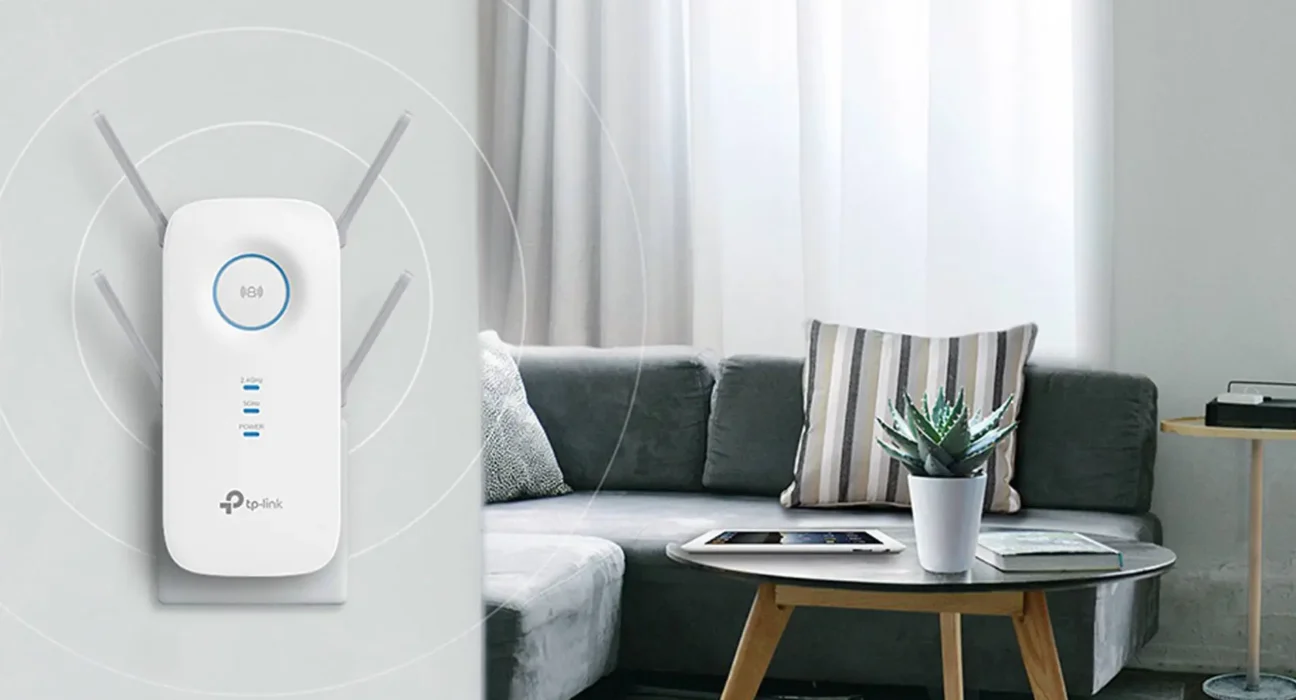
A WiFi extender is a simple and effective solution for improving wireless coverage in areas where your router’s signal is weak or inconsistent. Dead zones are common in large homes, multi-story buildings, or spaces with thick walls. Installing a WiFi extender helps boost the existing signal and ensures more reliable internet access throughout your home.
This guide explains how to install a WiFi extender correctly and get the best performance from it.
What Is a WiFi Extender and How Does It Work?
A WiFi extender, also known as a range extender, works by receiving the existing WiFi signal from your router and rebroadcasting it to extend coverage. It does not increase your internet speed but improves signal strength in weak areas.
When installed properly, a WiFi extender can significantly enhance connectivity for streaming, online work, and browsing.
Things to Prepare Before Installation
Before installing your WiFi extender, make sure you have:
• A compatible WiFi extender
• Your main WiFi network name and password
• A smartphone, laptop, or computer
• Access to a power outlet near the router
Checking compatibility between your router and extender helps avoid setup issues.
Step-by-Step Guide to Install a WiFi Extender
Step 1: Choose the Right Location
Place the extender halfway between your router and the area with weak signal. It should still receive a strong signal from the router.
Step 2: Power On the Extender
Plug the extender into a power outlet and wait for it to turn on completely.
Step 3: Connect to the Extender
Using your phone or laptop, connect to the extender’s default WiFi network. The network name is usually printed on the device.
Step 4: Access the Setup Page
Open a web browser and enter the setup URL or IP address provided in the extender’s manual. Some extenders also support app-based setup.
Step 5: Select Your Main WiFi Network
Choose your home WiFi network and enter the password when prompted.
Step 6: Complete the Setup
Save the settings and allow the extender to reboot. Once complete, reconnect your devices to the extended network.
Test and Optimize the Connection
After installation, check signal strength in previously weak areas. You may need to adjust the extender’s position slightly for best results. Avoid placing it too far from the router or near heavy interference sources.
Common Installation Mistakes to Avoid
• Placing the extender too far from the router
• Ignoring firmware updates
• Using outdated WiFi standards
• Overloading the extender with too many devices
Correct placement and proper configuration are key to effective performance.
When Professional Help Is Useful
While most extenders are easy to install, complex home layouts may require professional planning. In such cases, services offering
wifi installation dubai can help ensure optimal placement and configuration.
A
wifi expert can assess your space, minimize interference, and recommend the right equipment for long-term reliability.
Benefits of Using a WiFi Extender
• Improved coverage in dead zones
• More stable connections
• Better experience for streaming and gaming
• Reduced WiFi dropouts
When combined with proper setup, extenders provide a cost-effective solution for better home connectivity.
Final Thoughts
Installing a WiFi extender is a practical way to improve wireless coverage without replacing your entire network. With the right placement and setup, you can enjoy stronger and more reliable WiFi in every corner of your home.